RIVER CITY FALCONSPage draft
CURRENT TEAM SIGNAL
TEAM SCHEDULE
- GAME
- Saturday · 9:00 AM
- LOCATION
- North Field
- NOTE
- Bring the white uniform.
LAST SYNC CURRENT
01 A link-in-bio for anything you can print.

THE CODE STAYS THE SAME.THE PAGE CAN CHANGE.
02 Create → Print → Update → Scan Again
Follow one team schedule from its first draft to an updated scan. The physical code never changes.
PAGE
CONCEPT MOCKUP · SAME CODE IN EVERY STEPCreate
The page starts with the game time, practice location, and one announcement.
CURRENT TEAM SIGNAL
The page changes. The printed code stays the same.
03 Wear / Place / Share
For teams, staff, creators, performers, brands, and events.
For refrigerators, backpacks, venues, counters, vehicles, equipment, and job sites.
For estimates, promotions, referrals, events, customer follow-up, and networking.
Scan performance depends on approved code size, contrast, placement, material, and print quality.
04 Use cases
Choose a group to see the printed item and the page it can open.
Coaches & teams
Parents scan for games, practices, field changes, cancellations, and announcements.
Example content only. Update the page during the active term.
05 Team schedule example
Switch between the originally printed information and the updated page. The QR shown here stays identical.
Example information—not live team activity.
RIVER CITY FALCONS
06 Creator / Event / Business
Three mainstream ways to keep changing information behind one printed item.
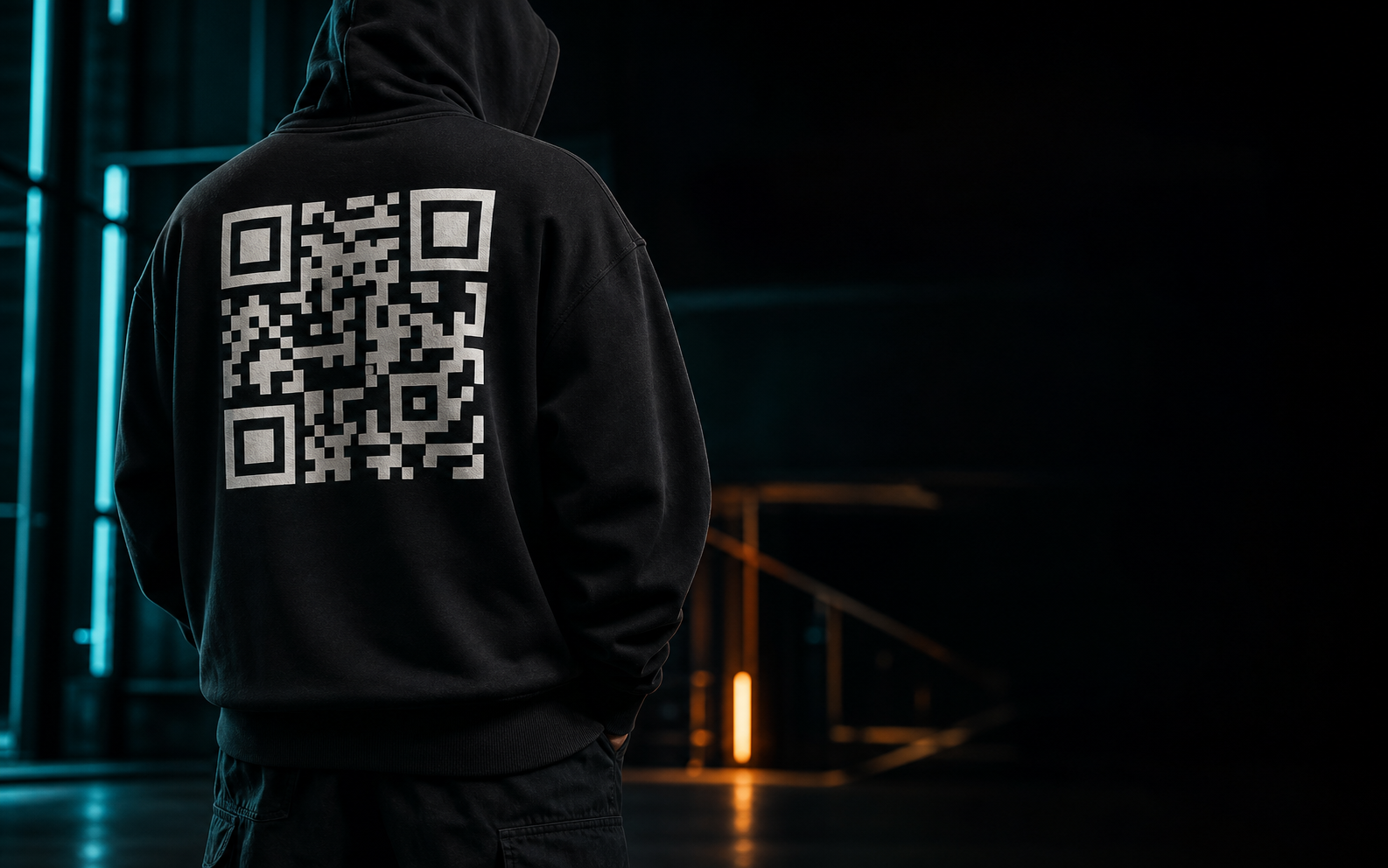
Put your latest releases, videos, social links, tour dates, booking information, or member hub on one piece of merchandise. Update the page behind it without replacing the garment.
CONCEPT MOCKUP · PHYSICAL SCAN PERFORMANCE REQUIRES TESTINGBuild a creator page →02 / EVENT SIGNAL
Move door times, set lists, venue notes, ticket links, or the afterparty without reprinting the pass.
03 / BUSINESS SIGNAL
A crew member can hand it over once. The owner can keep services, estimate requests, booking, and contact details current.
07 What the customer receives
Every active term includes the digital system needed to create, manage, and keep one BIO//IRL destination current.
08 Page builder
Choose a starting template, select what the scan opens, and preview the page before you publish.
Try the public preview here. Customer accounts save full page content, private drafts, and published updates.
09 Pricing
Choose how long one page stays active. Every launch term is one clear payment. You decide whether to purchase another term.
Automatic renewal opens only after its separate lifecycle check. For launch, every term is a one-time payment.
Clear digital service rules, with physical products kept separate.
10 Content rules
Build pages using content you own or are authorized to share. BIO//IRL does not permit exploitation, abuse, fraud, illegal activity, malicious destinations, or content that violates another person's rights.
| Allowed | Not Allowed |
|---|---|
| Business and portfolio pages | Exploitation or abuse |
| Team and community information | Fraud or deceptive destinations |
| Original creator content | Illegal activity |
| Events, schedules, and booking | Copyright or privacy violations |
| Authorized links and media | Malicious or harmful links |
| School and class resources | Adult-content destinations in V1 |
Pages must comply with applicable law, platform terms, copyright requirements, consent requirements, and the rights of others.
This section is a plain-language summary. It must not be represented as the complete Terms of Service.11 Frequently asked questions
No. The page behind the code changes while the printed code remains the same. That is the core BIO//IRL model.
The V1 offer includes one reusable QR destination, one editable mobile page, selected page modules, a preview before publishing, and hosting during the active term.
BIO//IRL launches as a digital page and permanent QR artwork service. Physical products, printing, and fulfillment are not for sale at launch. Download the print-ready QR from My Pages and use the printer of your choice.
Scan performance depends on approved code size, contrast, placement, material, and print quality. Physical categories require documented production testing before sale.
Launch terms are one-time purchases. Renewal checkout will be offered before the term ends. Without a successful renewal, the public page becomes inactive at term end, followed by a 30-day renewal grace period and a 12-month private archive.
Yes. V1 starts with Team, Business, Creator, Event, School / Class, Personal, and Custom templates. Available modules can then be added, removed, or reordered.
BIO//IRL supports mainstream business, creator, team, event, school, class, community, and personal pages that follow the content rules below.
Customers sign in to My Pages, choose the QR destination they own, save private drafts, preview changes, and publish when ready. Saving does not affect the live page; publishing updates the existing destination without changing the printed code.